That looks a little confusing at first, but I created the naming convention in this way for a reason. Each section of the filename contains useful information for me. Here’s a summary of how this works:
<AssetSet> – This part of the filename tells me what set the asset belongs to, such as the default RTP or Time Fantasy. Why is this helpful? Well, it means I can have a unified aesthetic style, both visually and audibly.
<AssetType> – This tells me what sort of asset I’m dealing with, such as a Tileset, a Spritesheet, or any other sort of asset. This is helpful because it tells me where the specific asset belongs, what I can do with it, and how it’s been configured.
<AssetSubType> – Similarly to the <AssetType>, this tells me what kind of asset it is, but instead of being a general indication, it’s a more specific category. So I can tell if it’s an A1 Tileset, or an NPC Spritesheet. This helps me narrow down what I’m loking through, so I don’t waste time filtering through everything to find one specific asset.
<AssetDescription> – This one is pretty strightforward. It’s a description of what the asset is, which could be anything from Cliffs to Vampires.
<AssetNumber> – This one is only relevant if I have multiples of the same type of thing, or if it contains multiples of the same thing. If so, then I number them. That way I don’t have to try and rename every little thing, as PC’s aren’t brilliant at having two things with the same name.
So to put it into practice, I’m going to use this example:
TF_Spritesheet_NPC_Barmaid_1
So what this name tells me is that I have a Time Fantasy style asset, that’s a spritesheet. I know it’s an NPC (Non-Playable Character), and that it’s a Barmaid. As it has a number, it indicates that this isn’t the only Barmaid I have a spritesheet for. For another example:
RTP_Tileset_A5_Dungeon
This filename tells me that this is a default RTP (Run Time Package) asset. It’s a Tileset, configured to be an A5 component, and it’s for a Dungeon. As I only have one of it’s kind, it has no numerical suffix.
See? Nice and straightforward. This should help me keep organised during production.
So today, I’ll be talking about my mapping and tilesets. For those who are unaware, tilesets from the backbone of RPG Maker MV‘s mapping system. Each tileset is comprised of up to nine component tileset pieces, as follows:
A1 – Animated Water
A2 – Ground
A3 – Buildings
A4 – Walls
A5 – Normal
B – Normal
C – Normal
D – Normal
E – Normal
Now, you may notice that five of the nine tileset components start with the letter “A”. These denote “Autotiles”. When the engine draws Autotiles, it draws them as a continuous area, as opposed to as individual objects. This is particularly helpful when creating stretches of contiguous terrian. Sections A5, B, C, D, and E create individual objects.
Now for my tileset plan. I created an Excel document that details what tileset pieces I intend to use for each tileset:
If you’d like to know where I got the inspiration from, it’s simple. I based the interior maps on early Final Fantasy maps, and the village came from an area near where I live. In order to preserve a sense of scale, I measure my interior maps as 2x the size as the exterior building in tiles. This gives me room for the characters to move, but at the same time preserves some measure of consistency.
I’ve still got to create the “dungeon”-style maps that the player will adventure through. Luckily, I decided that the first dungeon area will be a forest, so I don’t have to create a new tileset to make it.
So that’s it from me for now. I’ll be back in a bit with some more development!
So this is the start of my Dev Log. In these posts, I’ll be talking about the production of my project (which still doesn’t have a name yet!), what I’m doing, how I’m doing it, and why I’m doing it. Now there are going to be plenty of links here to all of my research posts, so you can clearly see what the point of those posts were!
For this Dev Log #0, I’ll be talking about the engine and resources I’ll be using, why I’m using them, as well as anything else that’s interesting about them.
First off, I’d like to talk about the Game Engine I’ll be using: RPG Maker MV. Now this particular engine is the latest in a long running series of game engines, which are designed to create JRPG’s (Japanese Role-Playing Games). Now I could have used Unity or Unreal to make my game, as many modern JRPG’s such as Octopath Traveller and Dragon Quest XI: Echoes of an Elusive Age are made in Unreal, but as I’m trying to create something inspired by earler JRPG’s like Suikoden II, Dragon Quest VI: Realms of Revelation, or Golden Sun, I thought it would be better to use a system that’s purpose-built to make games in that style. Here’s the link to the official website for RMMV:
I know that Unity and Unreal can be used for free, and that RPG Maker MV costs money, but there’s a critical difference; RPG Maker DOESN’T charge royalties. Both Unity and Unreal also have paywalled features, whereas RPG MakerDOESN’T. So while it may be more technically limited, it actually works better for me (as well as tons of other people).
Now, RPG Maker MV (RMMV) runs of JavaScript, which allows it to easily export for web browsers and mobile devices, but I’m going to make mine for PC/Mac/Linux (I can do all three!). RMMV uses a visual scripting system for it’s basic functions, which makes getting a very basic prototype game up and running easily. It also uses a “Plugin” system, which enables the importation of .js files which can modify the game mechanics in ways the engine cannot do normally. One of the more prolific scripters for RMMV is Yanfly, who’s Plugin library contains around 200 Plugins! Here’s the link to his website, where you can get all of his plugins for free!:
On to Graphics and Music. Well, I’ve already decided that I’m not going to use the stock assets for RMMV. Whilst they’re nice and all, they are very generic. Also, there is quite a stigma against RMMV games that use stock assets, so I’ve had to look into a new asset style.
And I found one: a set called Time Fantasy. Now, I know that these assets are paid ones, but I’ve had them for a few years now, so I haven’t had to really invest any more money. Time Fantasy‘s style is reminiscent of games such as Final Fantasy VI or Chrono Trigger, so they’re perfectly ideal for the style of game I’m going for. Now, there are so many Time Fantasy packs, but luckily, I have the lot. Here’s a list of the Time Fantasy asset packs out there (as well as the link to where you can get them!):
Time Fantasy – Core Pack
Time Fantasy – Monsters
Time Fantasy – Animals
Time Fantasy – Elves vs. Dwarves
Time Fantasy – Farm and Fort
Time Fantasy – Ship
Time Fantasy – Pixel Animations
Time Fantasy – Winter
Time Fantasy – Future Fantasy
Time Fantasy – Lich Crusades (Patreon Exclusive)
Time Fantasy – Ruined Dungeons
Time Fantasy – Animated NPC’s
Time Fantasy – Mythical Monsters (Patreon Exclusive)
Now, some of these asset packs are Patreon Exclusive. For those who don’t know, Patreon is a crowd-funding website that’s been quite popular with the RMMV community. Creators often use this as both a portfolio and as a way of making a living. They can set tiers of support, which costs differing amounts of money per month. Time Fantasy‘s creator Jason Perry (also known as Final Boss Blues or Despain) has set three tiers of subscription; $1, $5, and $10 (I proudly support at the $10 level!). Each level gives access to new things, as well as discounts and freebies. Here’s the link to Patreon:
BEFORE ANYONE GETS ON THEIR HIGH HORSE ABOUT ME NOT MAKING MY OWN ASSETS: I’m not very good at art. My hand-eye co-ordination isn’t good enough (and I’ve been told by my doctor that it’ll never get better) to make my own art. So I see no reason not to support those who do, and in return get some art that I can use. It’s common sense, as well as an industry standard practice (you wouldn’t expect the programmer to make art, would you?).
There’s a reason I chose this particular style though; its reminiscent of a game called “Chrono Trigger“, which is generally considered to be the best JRPG that’s ever been made. I’ve looked at other styles though:
My 16-Bit Graphics Mood Board
Although all of the styles that I’ve looked at are really beautiful, I didn’t get wowed by that many of them. Admittedly, I was tempted by the grey-scale colour palette, but I’m going for retro, not downright archaic! Another thing that I’ve been trying to steer clear of is large amunts of detailing. It makes the graphics look gorgeous, but takes more time to make, more space to store, and more processing power to run. By keeping with a lower pixel count, I can keep the graphical size down, which leaves more room for programming and gameplay functionality. It also helps keep compatibility in check. Often a more “Modern” game requires more power and a more advanced operating system to run. By keeping the graphics simple, it alleviates some of these requirements, making it easier for low-spec hardware to run.
As for music, I’m having to invest in that too, as I haven’t got a clue how to make it (I would love to learn, but the software is generally Mac Exclusive, and I have a PC). So here’s a list of the music I’m planning on using, with links:
8-Bit Perfect Collection – (Designed for use with Time Fantasy)
Retro Fantasy Music Pack – Vol. 1
Retro Fantasy Music Pack – Vol. 2
Retro Fantasy Music Pack – Vol. 3 (Yet to be aquired at this time)
The Retro Fantasy Music Packs are made by Joel Stuedler, who makes quite a few music packs for RMMV, with varying themes such as Horror, Sci-Fi, and Action/Adventure. All of the music is also what’s known as “Chiptune“, which sounds like the game’s running on a SNES (Super Nintendo Entertainment System)! Seeing as that’s the style I’m going for, I thought that some classic-sounding music would work a treat!
So there we have it! An asset list and engine breakdown all in one. Next Dev Log should be me actually making something! Later!
Patreon. (n.d.). finalbossblues is creating Pixel Art Game Assets | Patreon. [online] Available at: https://www.patreon.com/finalbossblues/ [Accessed 9 May 2019].
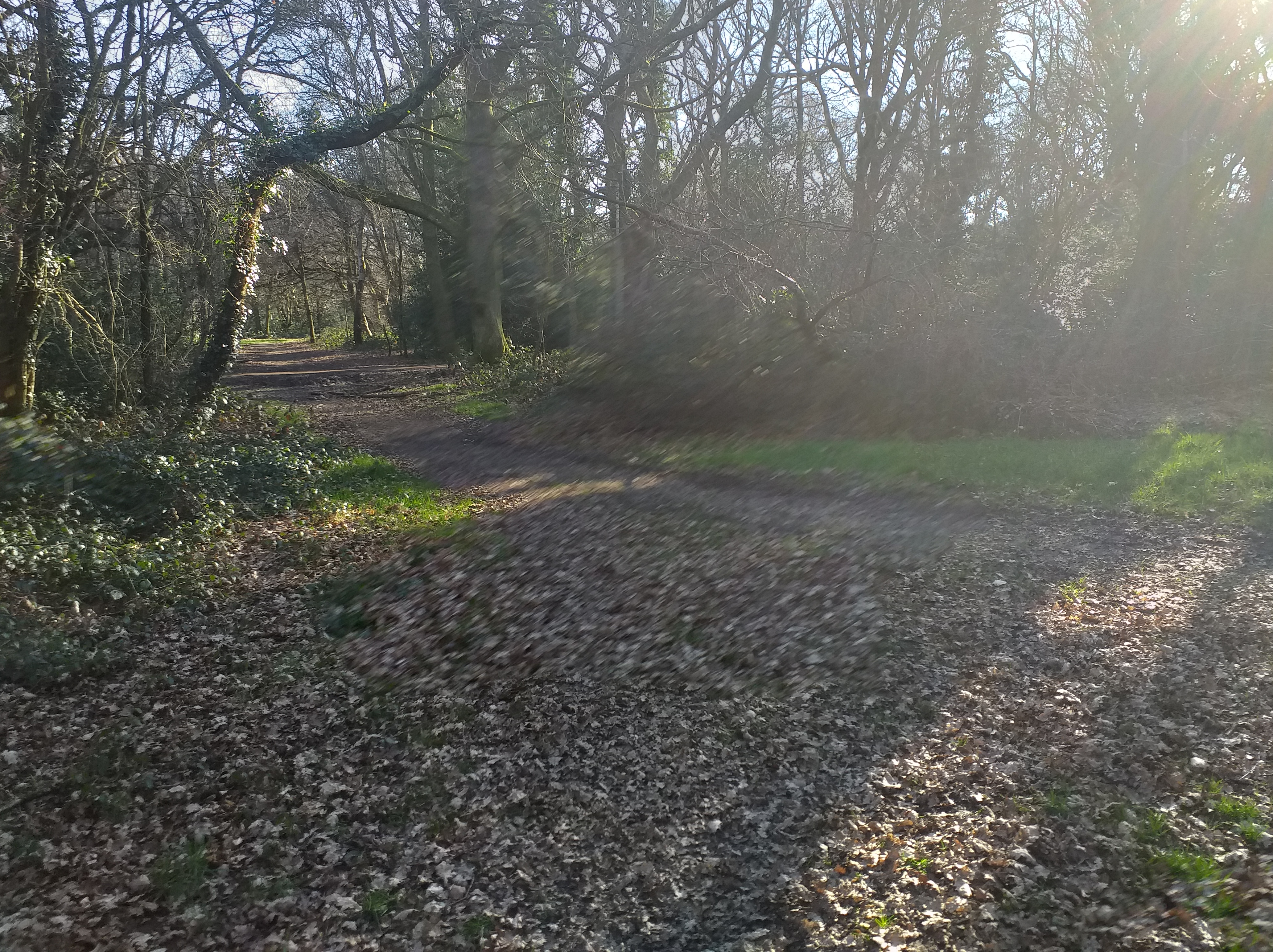
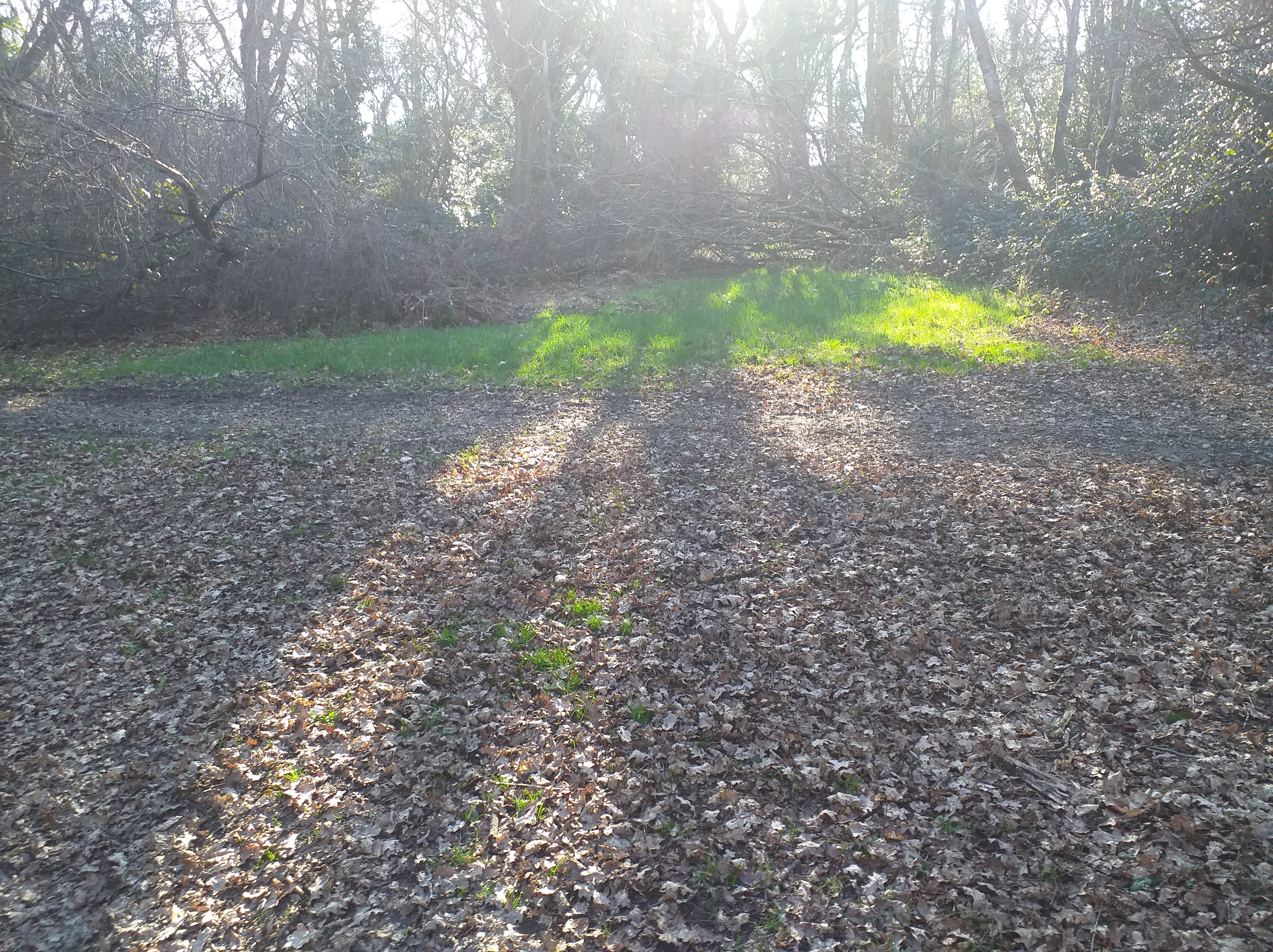
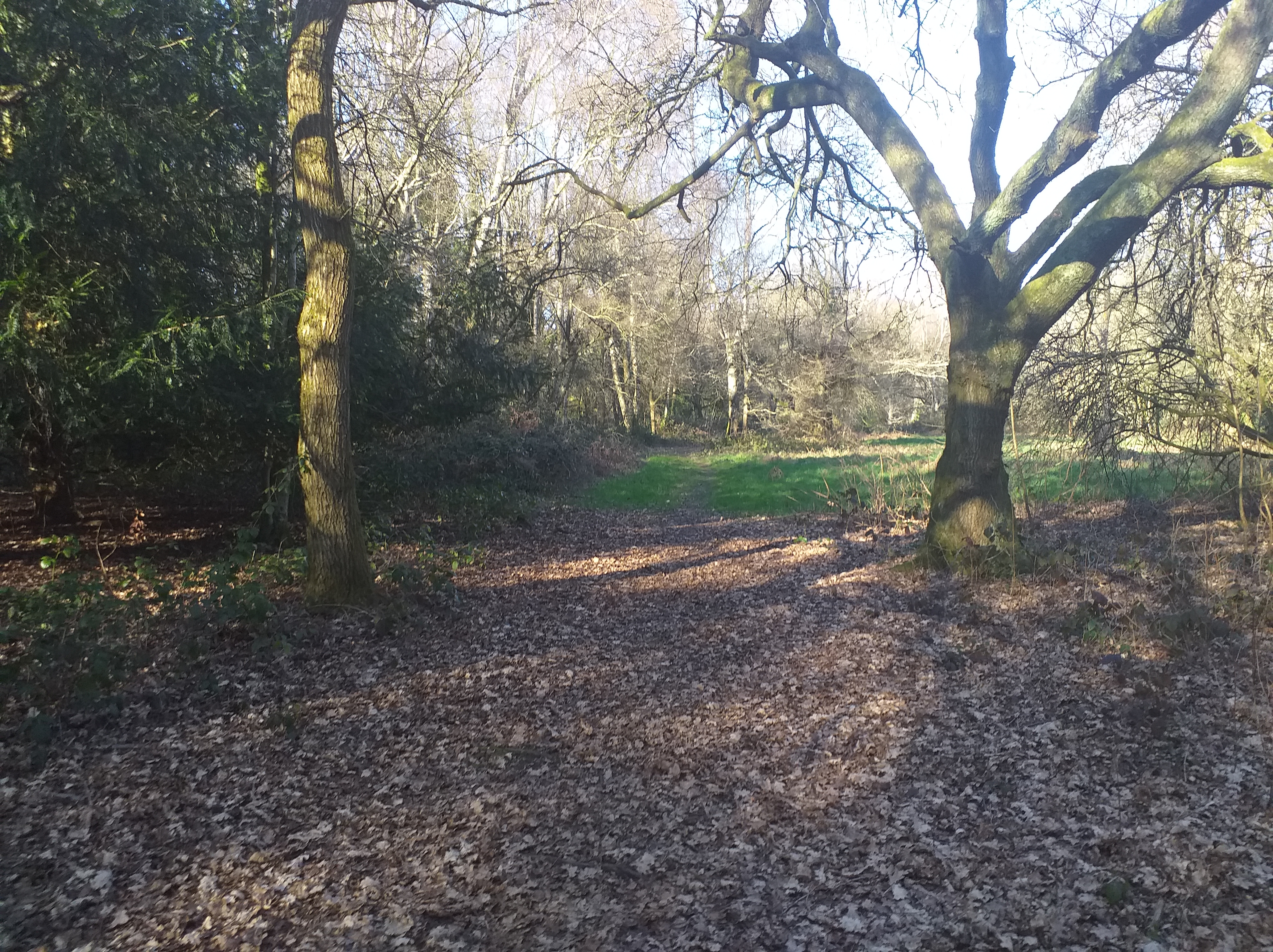
Before I start on the mapping, I thought it may be a good idea to take some test shots of the kind of area I wanted. As I live near a lot of woodland, I thought I’d go for a forest-type area for my starting area. I went down to the woods (about a 15 minute walk from my house), and took some photos. The lighting wasn’t particularly brilliant, but it was more to give me a general idea of what I wanted. Unfortunately, my camera wouldn’t save the images I took, so I dug these ones out from a project I did a few years ago. That’s why there are autumnal leaves on the ground!
One thing I’ve noticed about forests; all of the paths are quite narrow. This may mean that I create a narrower map area. Also, there are sporadic trees littered along the paths, that don’t connect to anything else. These could be useful for decoration.
I’m gonna sign off now, but I should be back soon with soem more content!


 SLGameDesign FMP