Hi everyone!
So, I decided to create my forest map, which I’m using as the intro to the first major area. I used one of RMMV’s sample maps to start with, and then using my region mapping technique (detailed here: https://sldesignfmp.game.blog/2019/03/29/change-of-approach/), I modified it extensively. I’m not too happy with relying on sample materials, but I’m a bit pressed for time, and the layout works quite nicely. Here’s the sample:

And here’s what I’ve done with it:

Due to the fact that my sprites are twice the size of the chibi’d default sprites, I’ve had to increase the size of some of the terrain features to compensate. I’ve also added some additional cliffs, with layers of foliage to create a level of depth to an otherwise bland layout. I tried to make sure that the modifications fit with my custom village map, as I’m trying to avoid the need for a “world map”. In some JRPG’s, there’s an overworld map, with settlements and dungeons highlighted. But I’m not doing that. I much prefer the way that Pokémon and Legend of Zelda do their mapping, with a contiguous map.
Now, why have I chosen a forest as the first “dungeon” area? Well, again, it leads back to Pokémon (specifically; FireRed/LeafGreen and Ruby/Sapphire/Emerald). In many of the earlier games, the first proper area you have to traverse is a dense woodland (such as Viridian Forest or Petalburg Woods). These areas are normally replete with low-level bug, grass, and poison type Pokémon that aren’t too hard to catch or defeat. Now, I’m going to use the same principle, as it works. Here are some images of the maps I’m talking about:
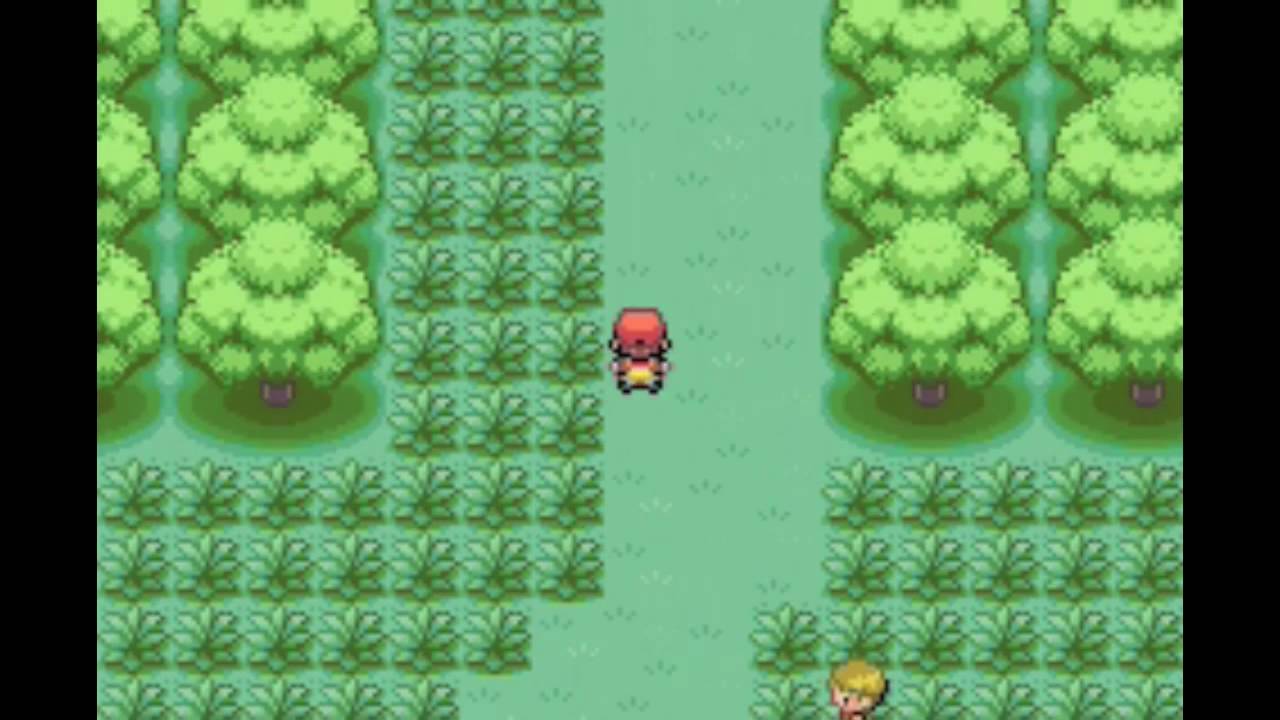
Pokémon FireRed/LeafGreen – Viridian Forest 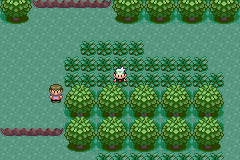
Pokémon Ruby/Sapphire/Emerald – Petalburg Woods
It’s nice and gentle, easing the player into the game mechanics without being overly tedious. It also gives them a chance to level in a relatively safe environment. Obviously, there’s going to come a point where they find the area too easy, but that’s when they’ll want to move onto the next bit of the game. (Pacing is important)
One issue that I’ve come across; I’ve tried to setup a random spawn system to generate random encounters. Only issue is that it doens’t work. I’ve set up a private variable to generate a random number between 3 and 6. I chose these numbers due to the size of the map; too few and it won’t be interesting, too many and the map gets too cluttered and impassable. I’m using a combination of Yanfly’s Plugins to make this system work;
By default, RMMV can’t do instanced or private variables, which is what the Self Switches and Variables is designed to add. The Event Spawner allows me to spawn various template events onto other maps. It can do this via direct designation, direct designation based on variables, or based on Region ID’s. I’m using Region ID’s for this, as it’s nice and simple. Also, because I want monsters to spawn in long grass, like they do in the Pokémon series.
Only, it doesn’t want to work, and I can’t figure out why. I’m going to have to look at how I’m doing it, as I may have missed something.
Anyway, I’ll get on with that, and I’ll be back soon!
Bibliography:
YouTube. (2018). YEP.170 – Event Spawner – RPG Maker MV. [online] Available at: https://www.youtube.com/watch?v=ER1ZvfAjUXc [Accessed 16 May 2019].
YouTube. (2018). YEP.113 – Self Switches & Variables – RPG Maker MV. [online] Available at: https://www.youtube.com/watch?v=BwcI5OimnHc [Accessed 16 May 2019].

 SLGameDesign FMP